Can Claude plan a trip and save it as an itinerary?
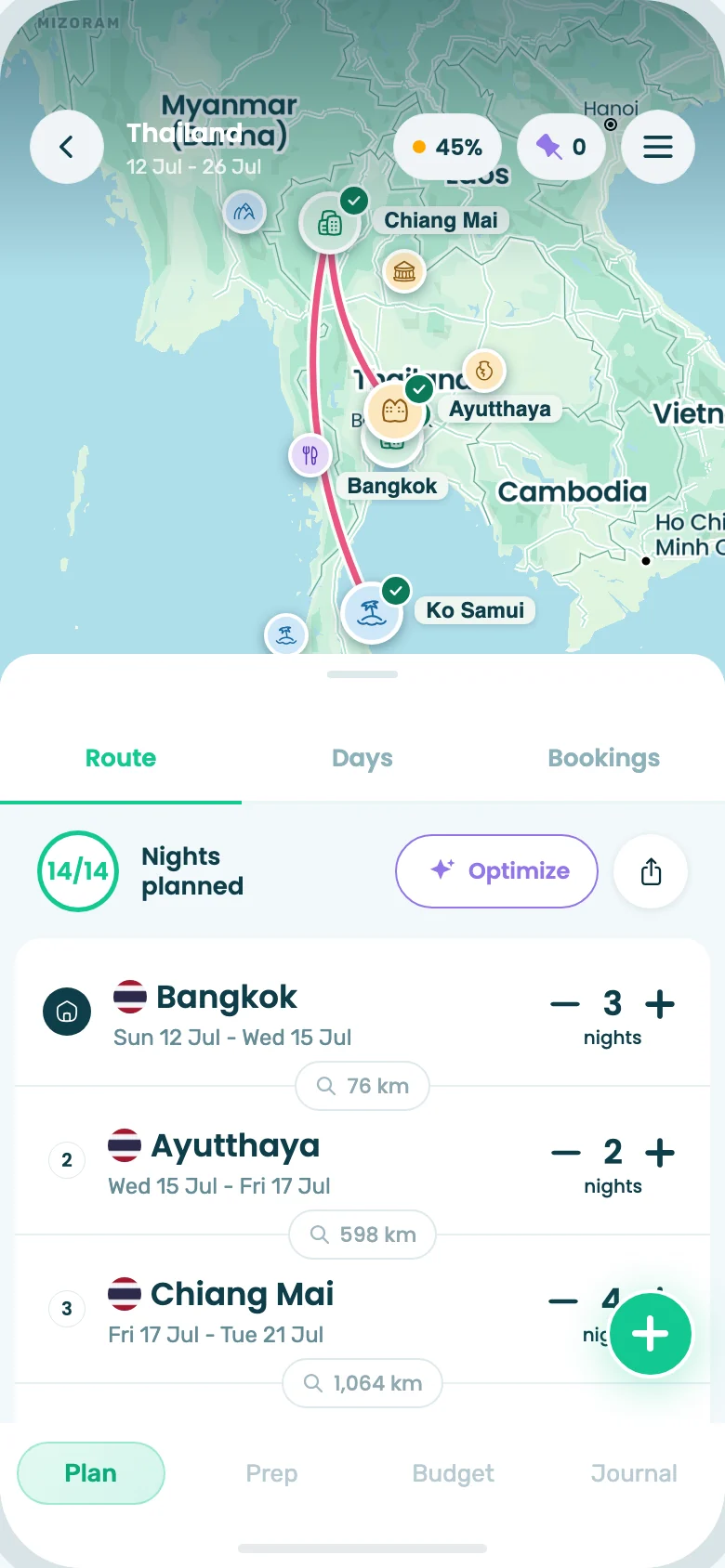
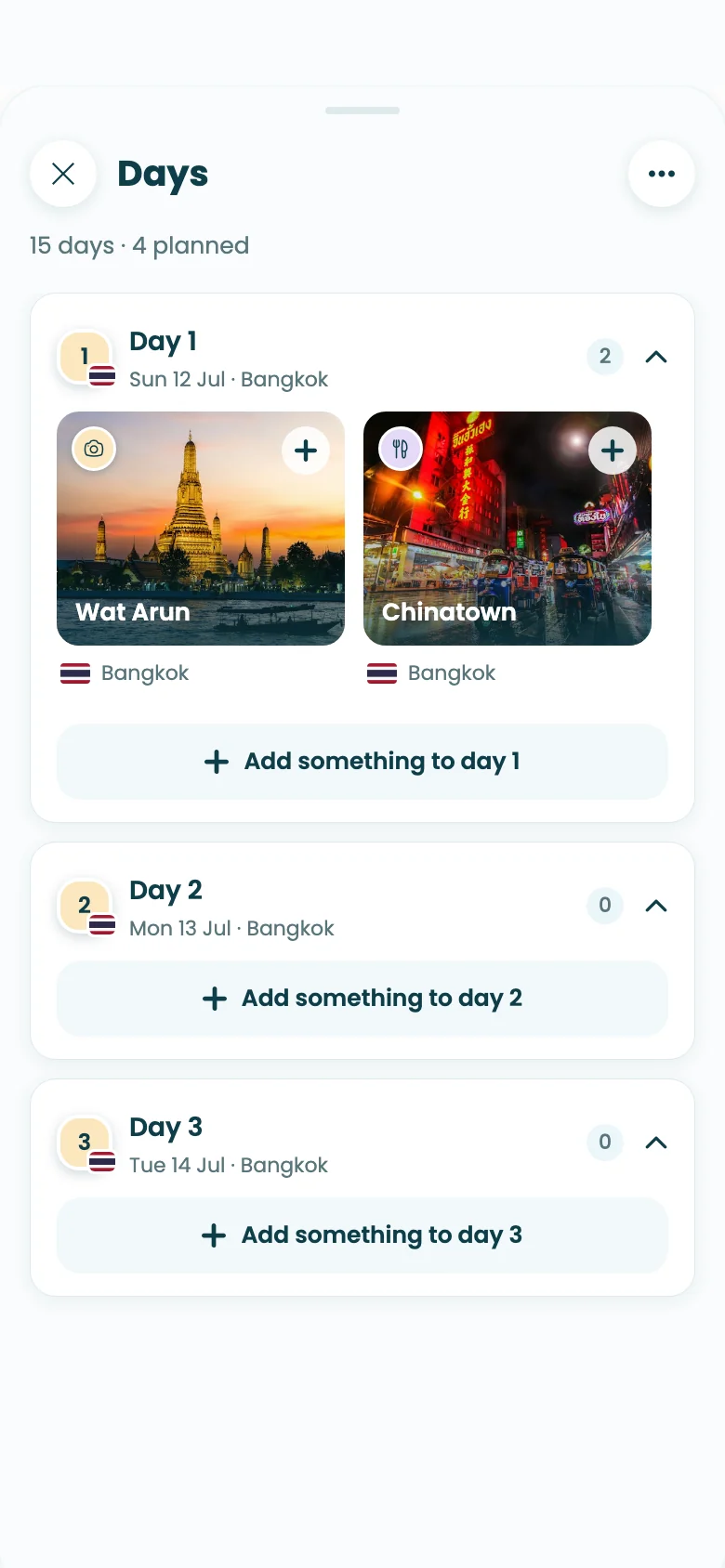
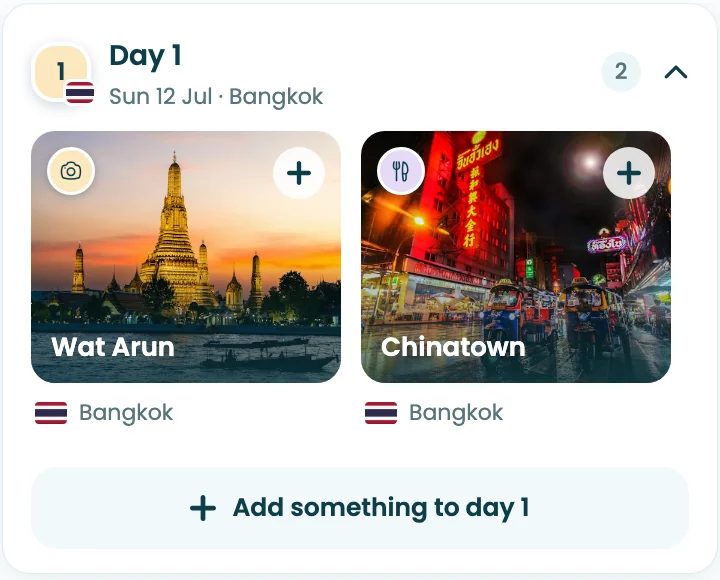
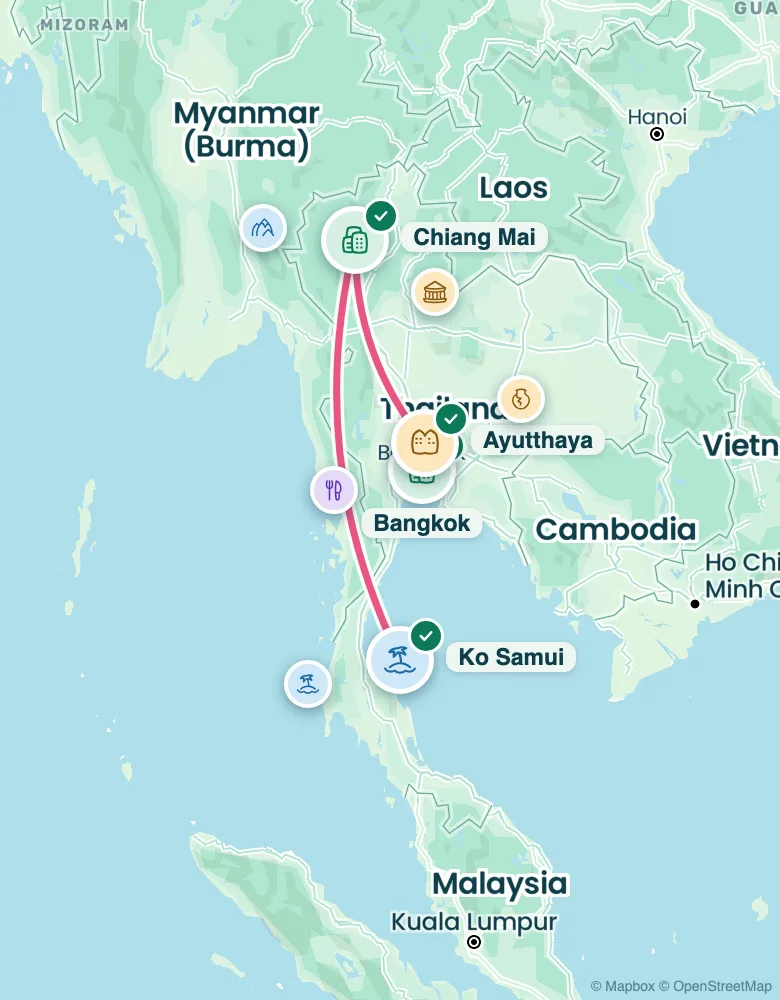
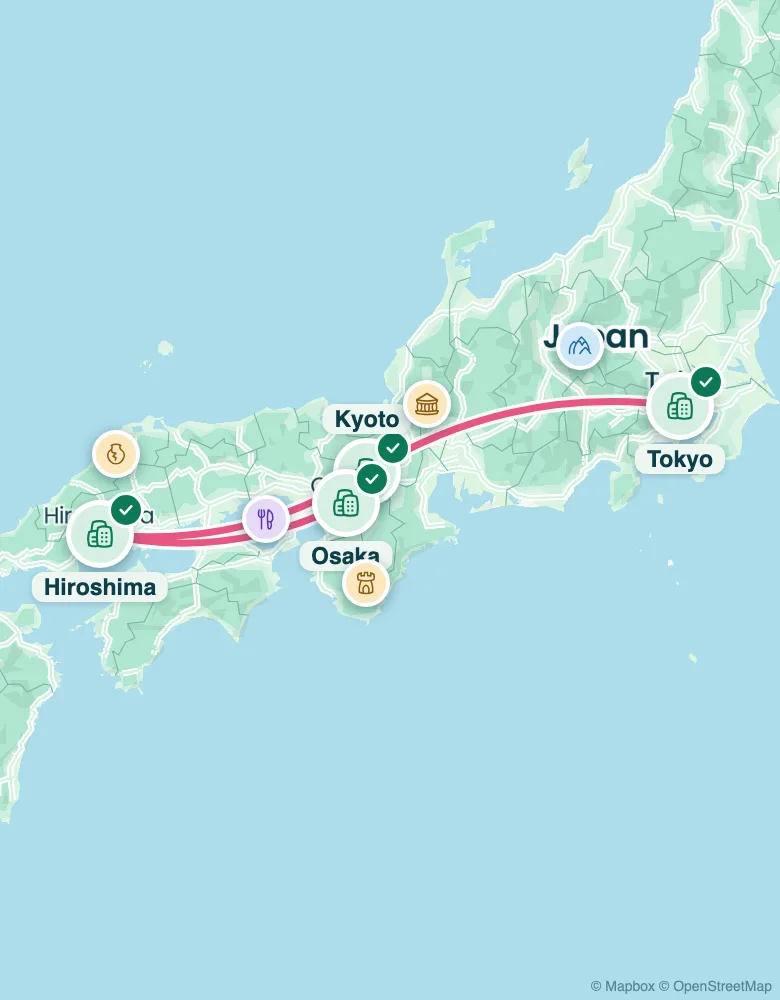
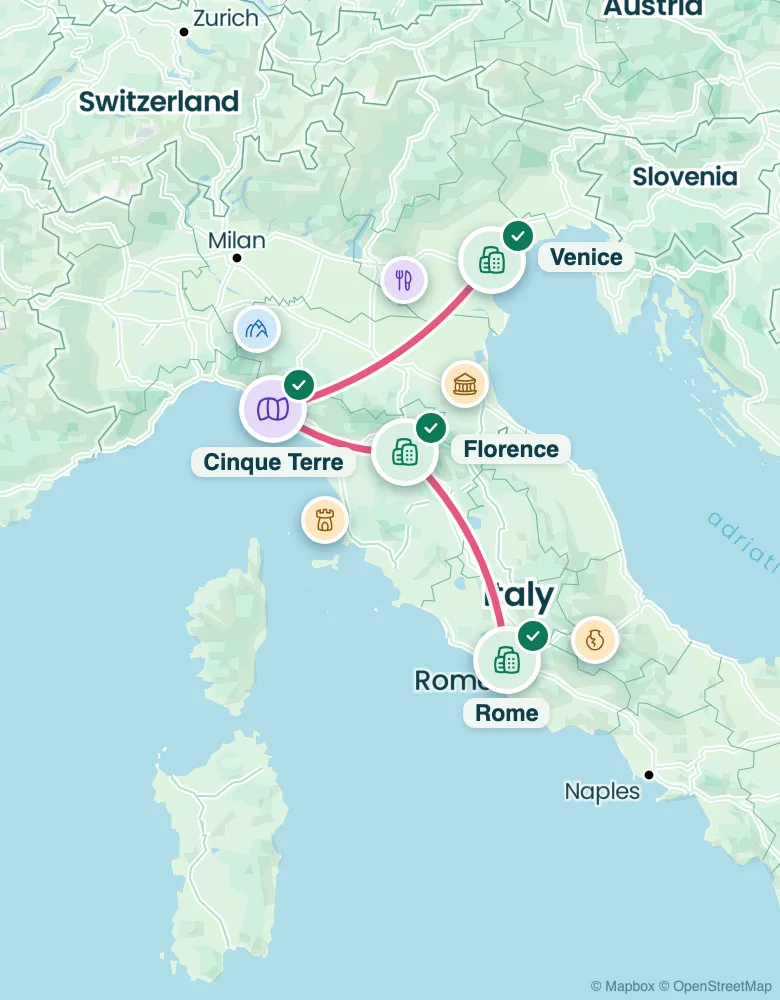
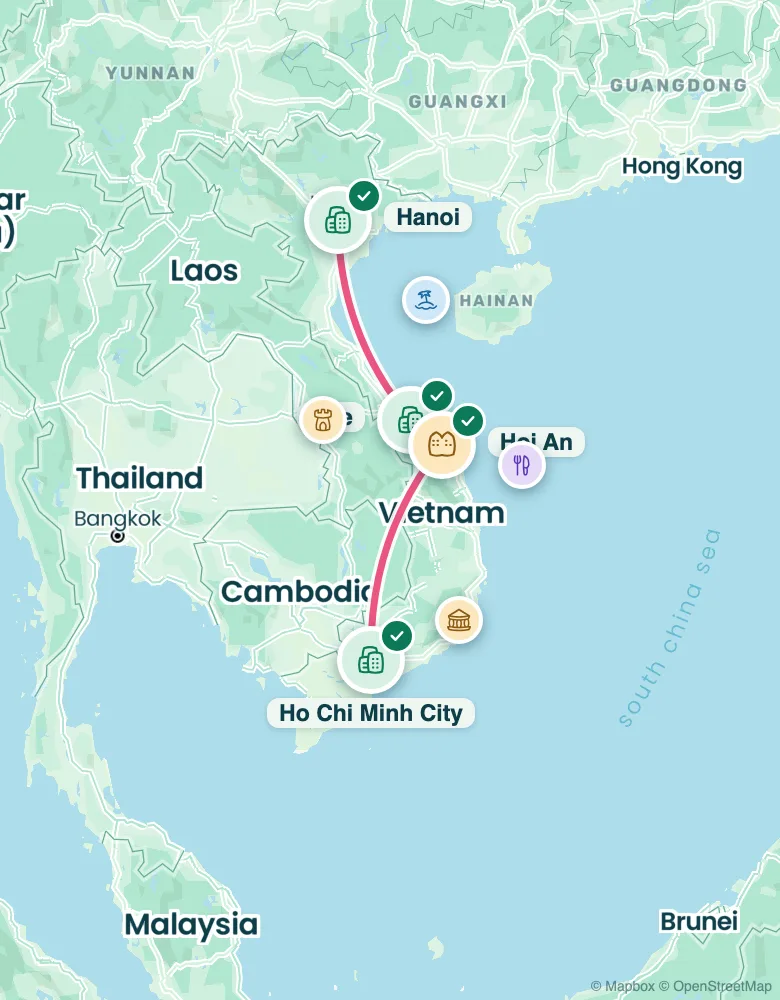
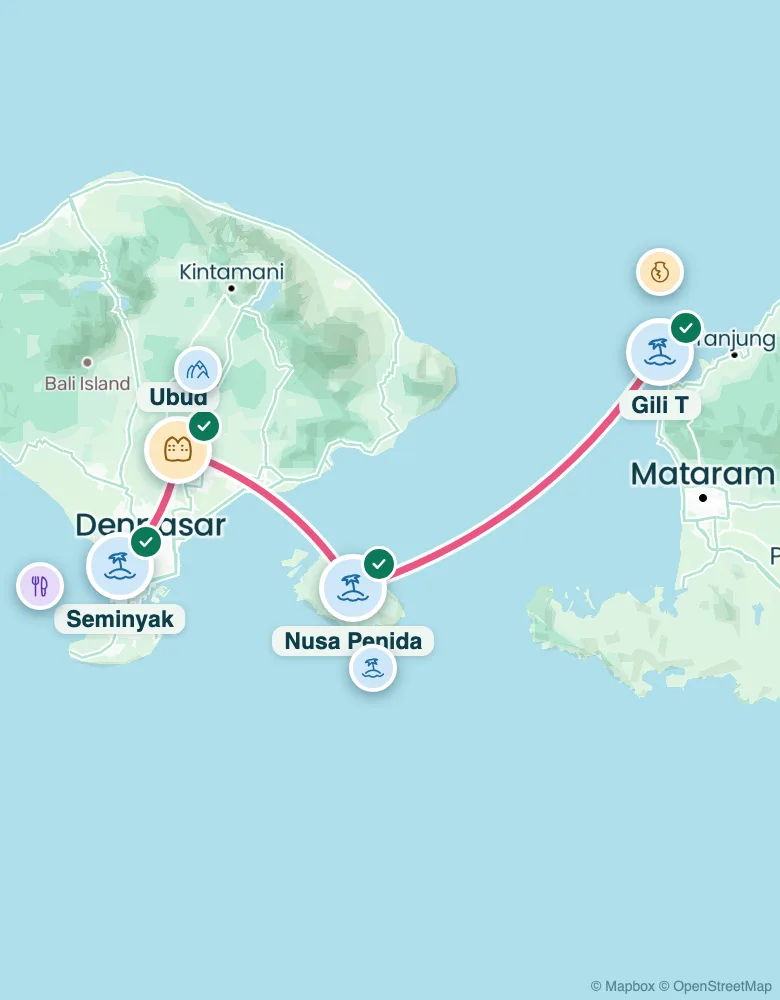
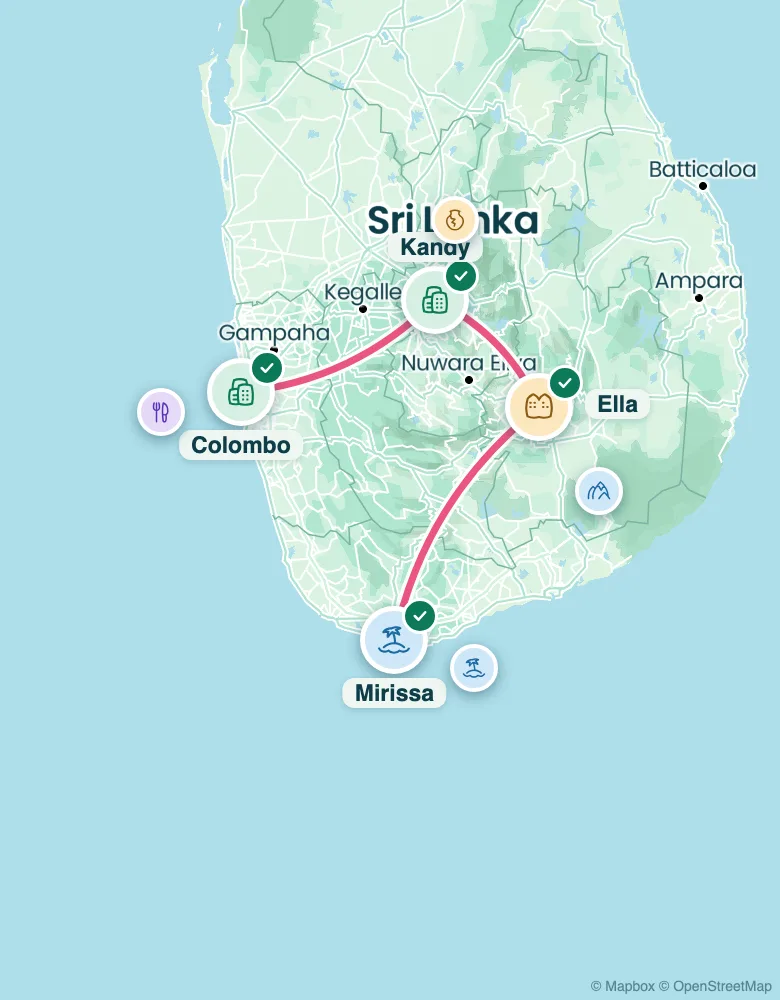
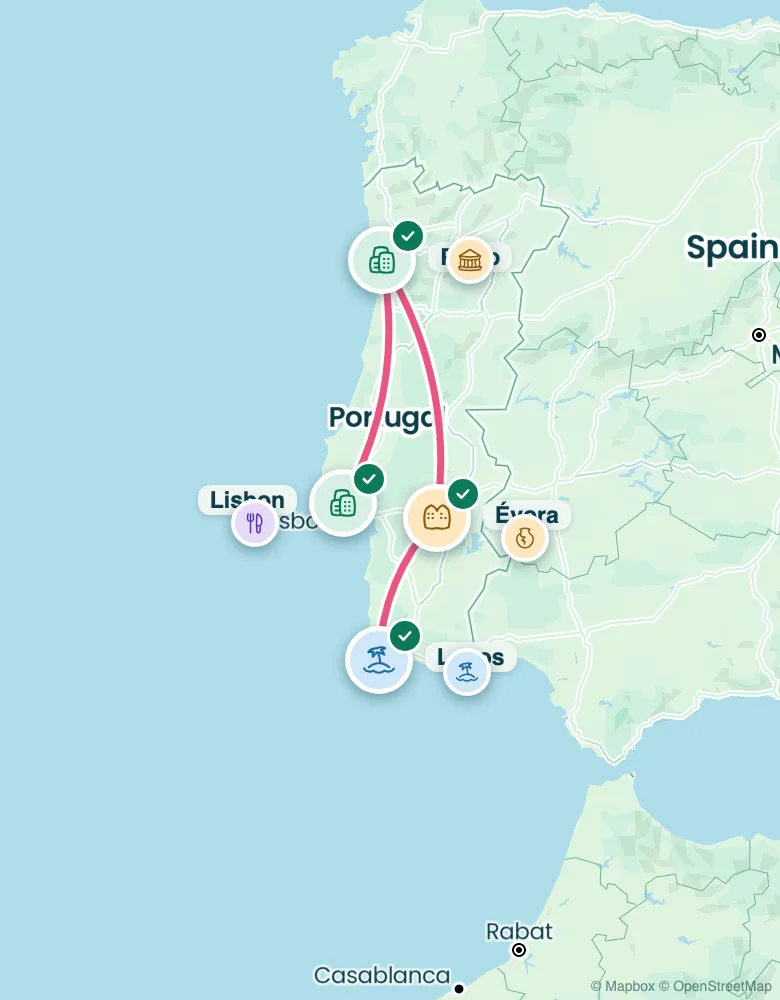
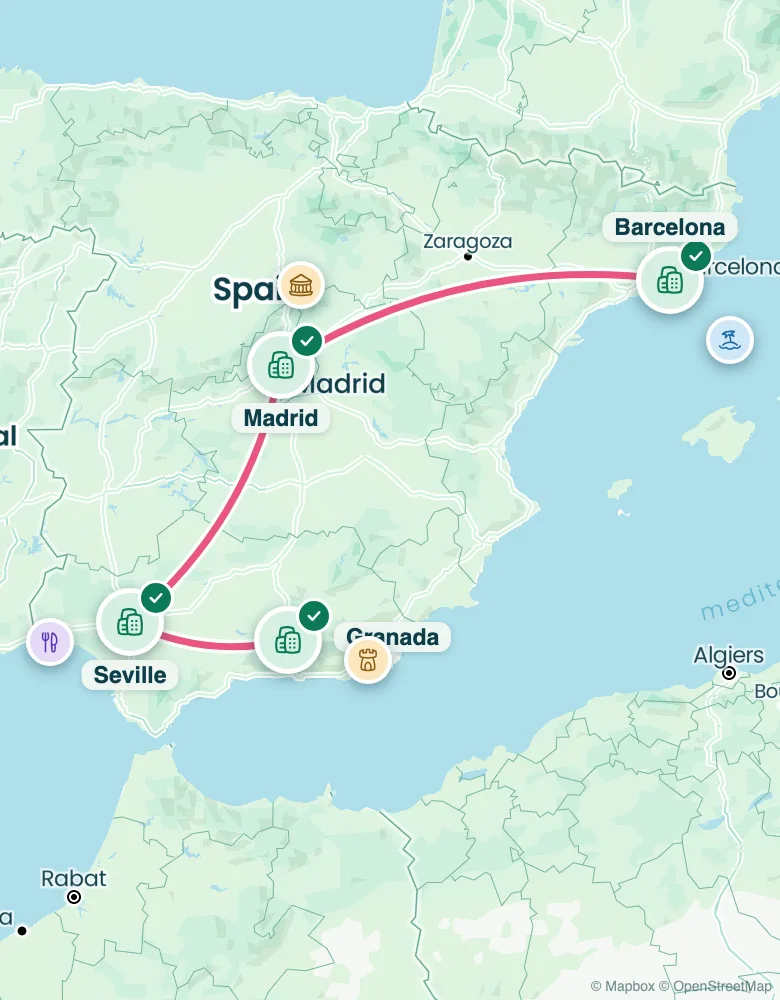
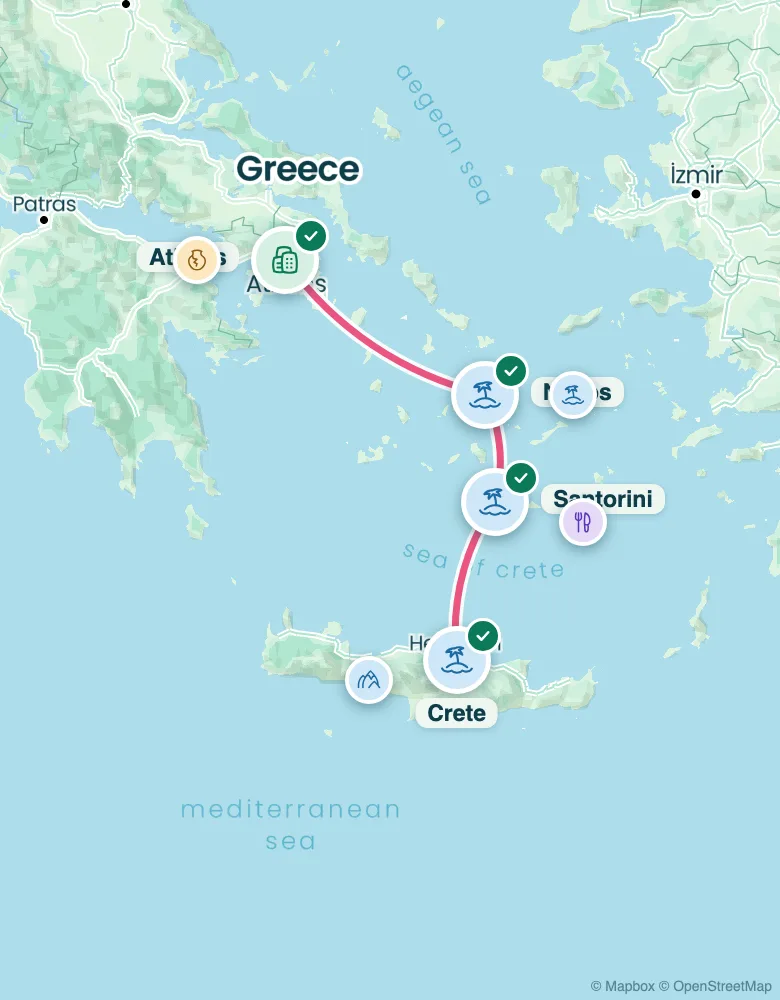
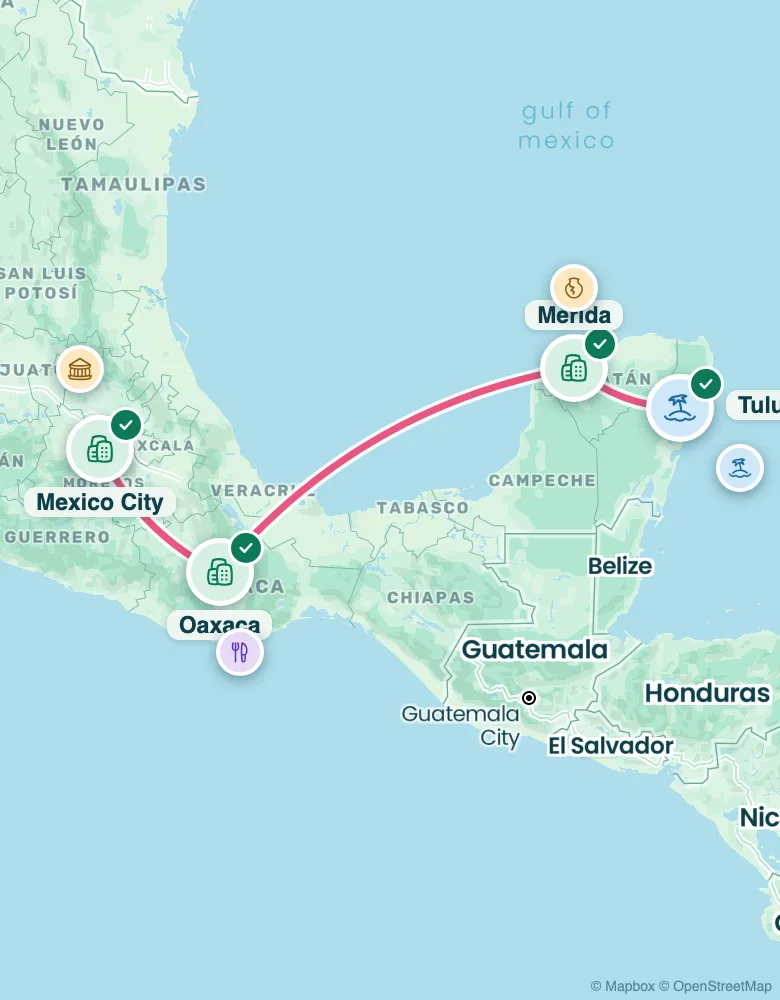
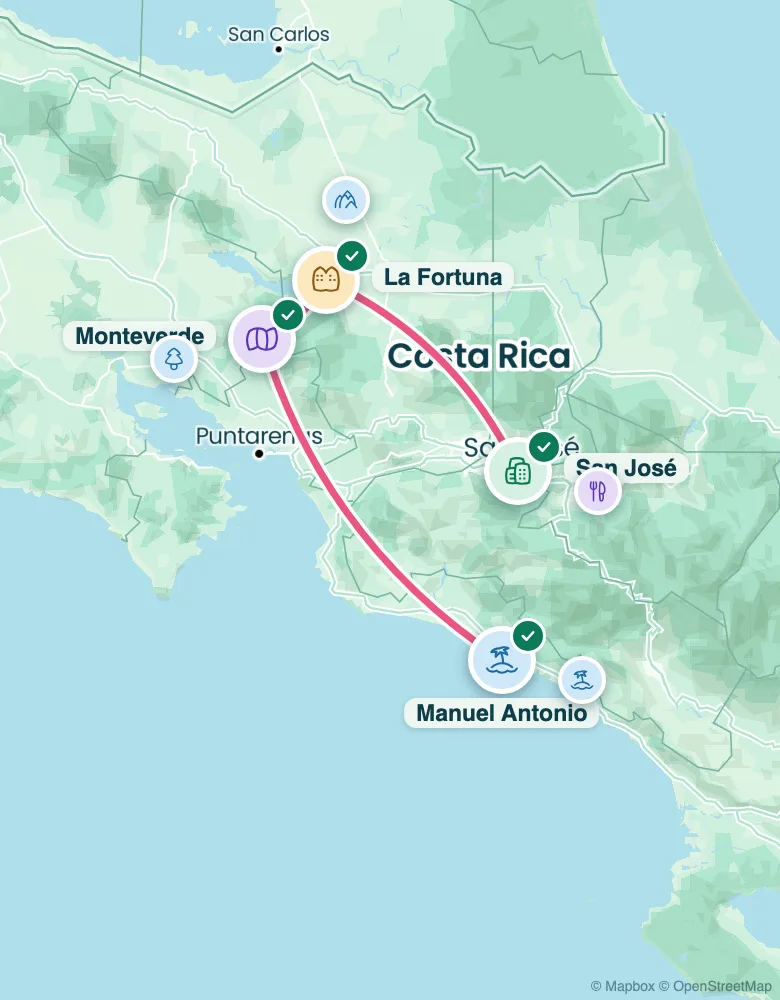
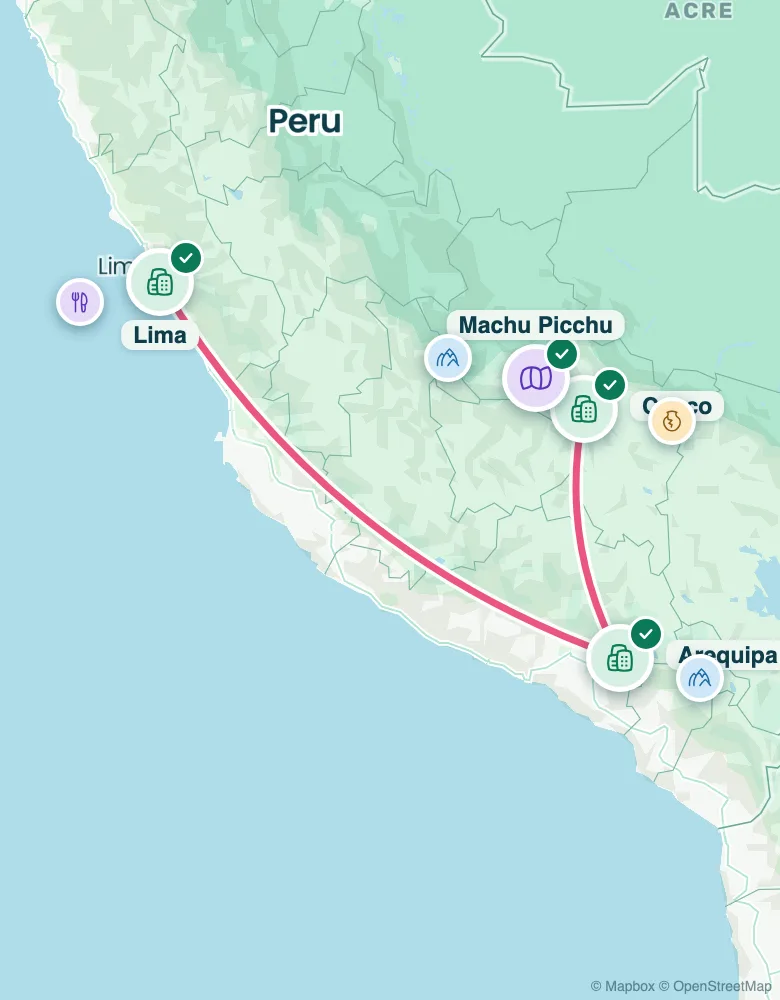
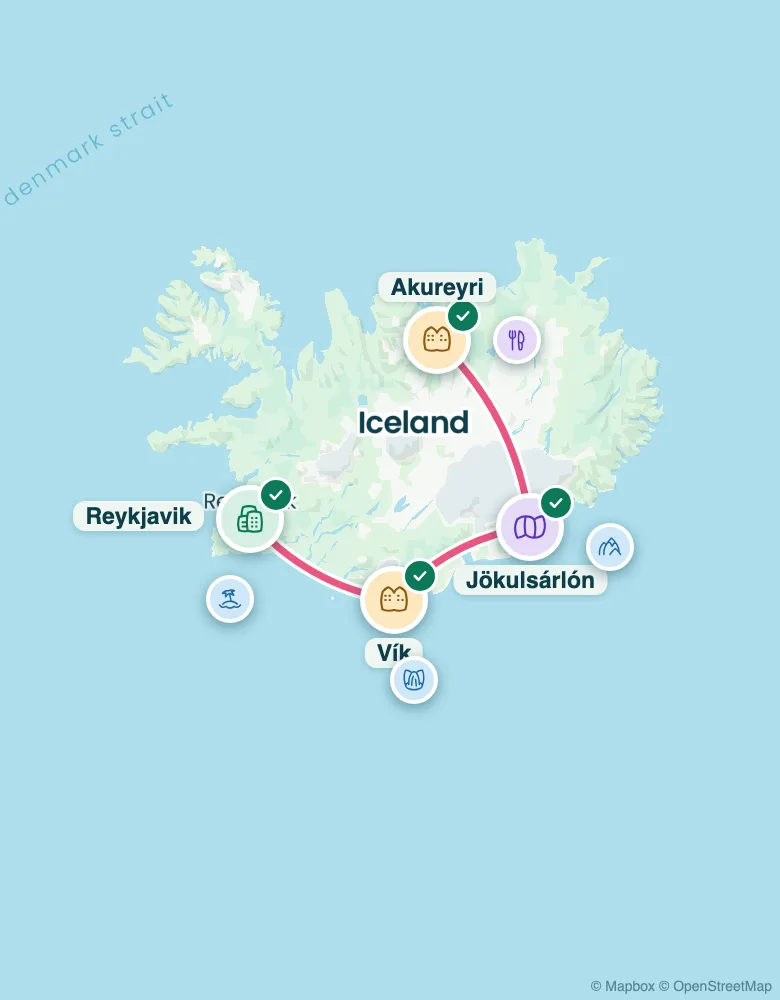
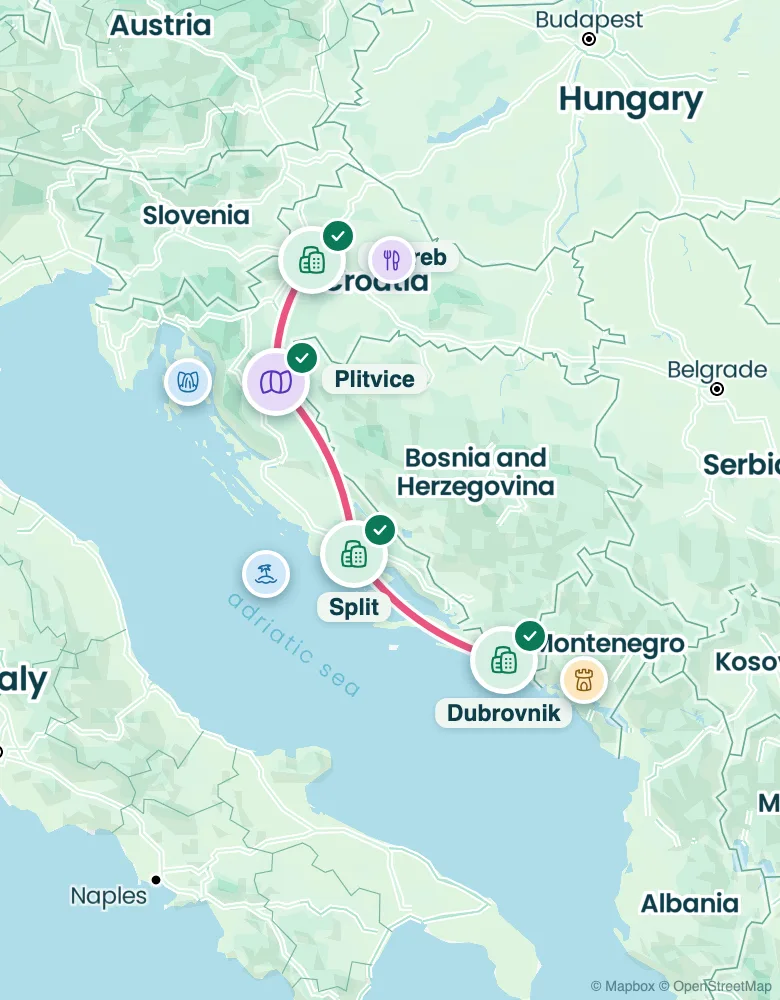
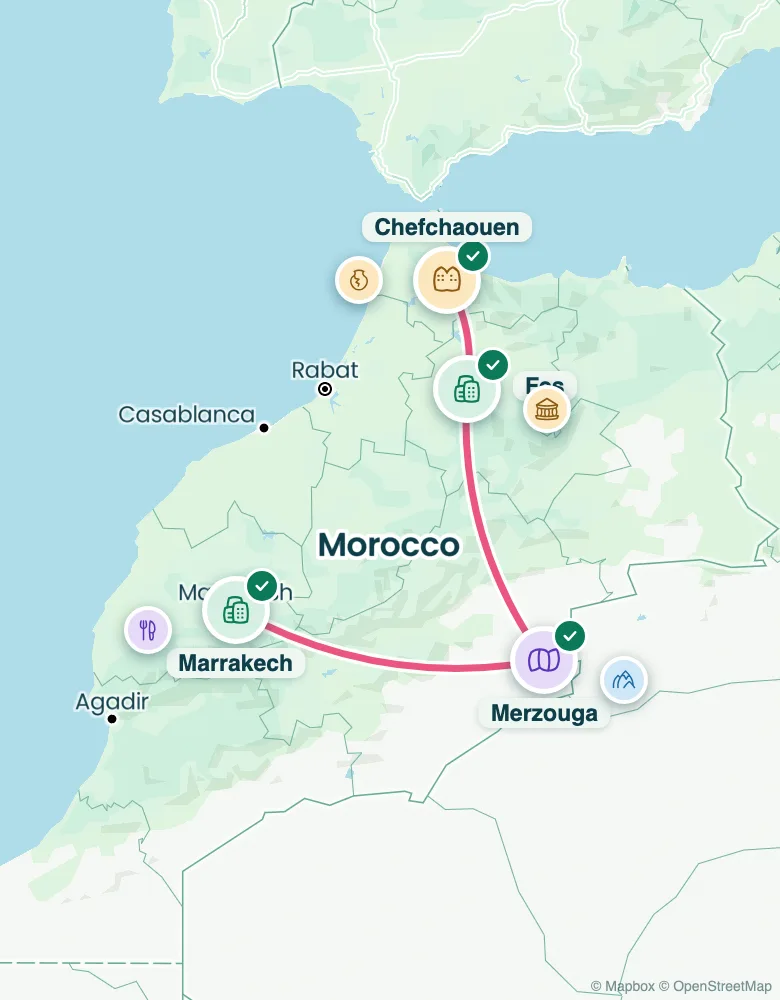
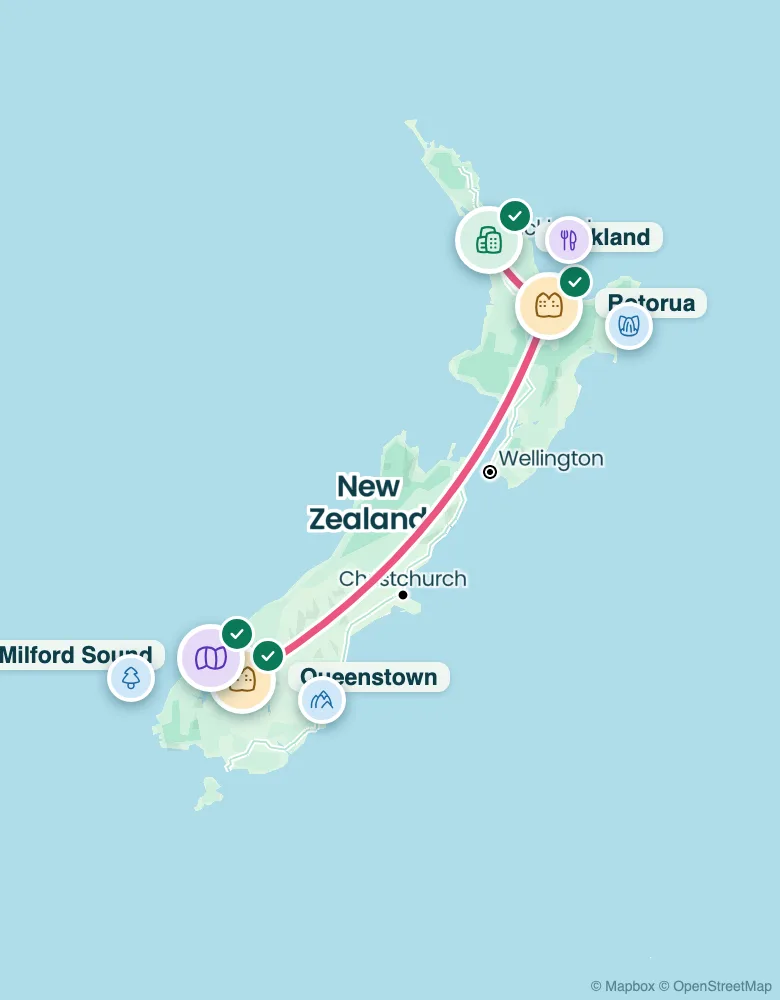
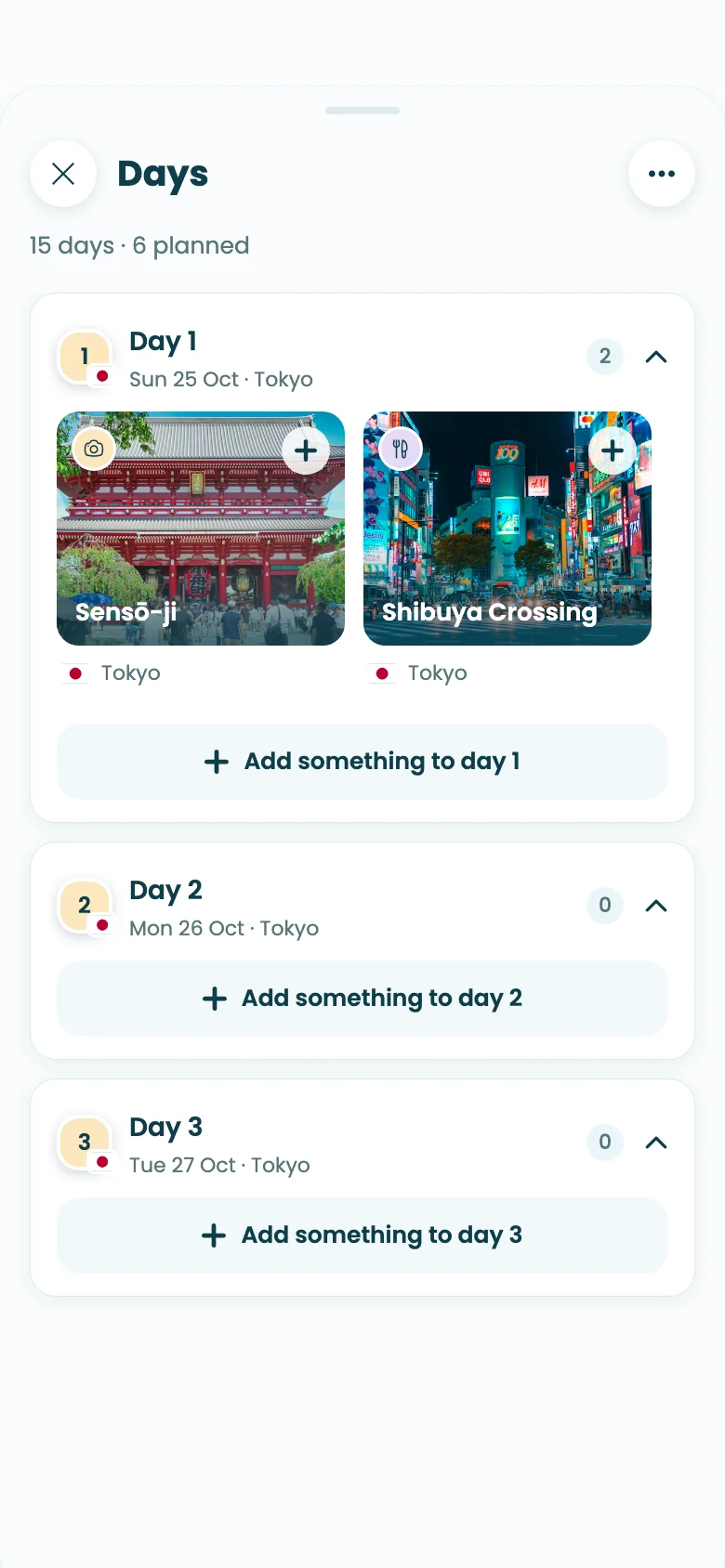
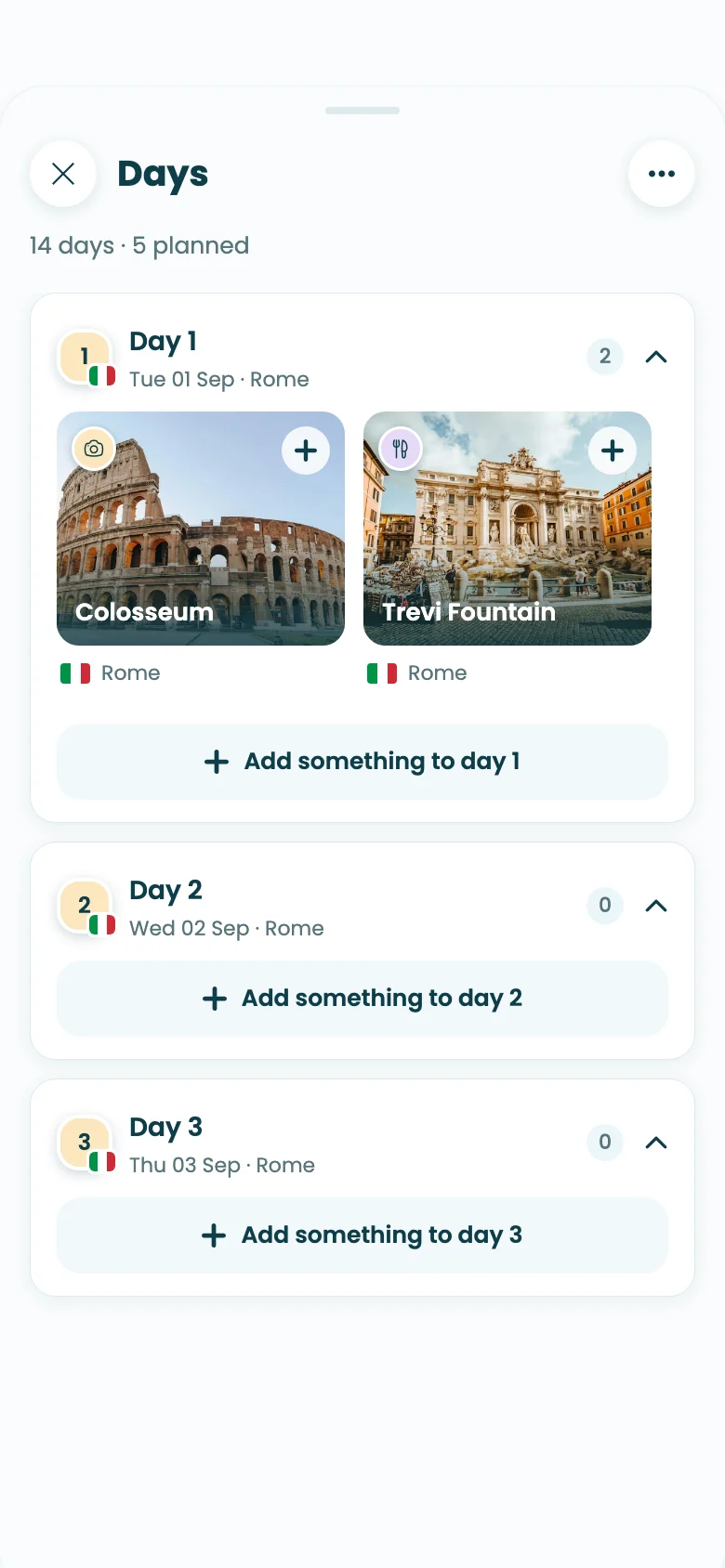
Yes. Add Stippl to Claude, plan your trip in the chat and end with “save it to Stippl”. Claude sends the plan to your Stippl account, where it becomes a trip with dated days, a route on the map and an address and photos for every place.
Why not just keep my itinerary in Claude?
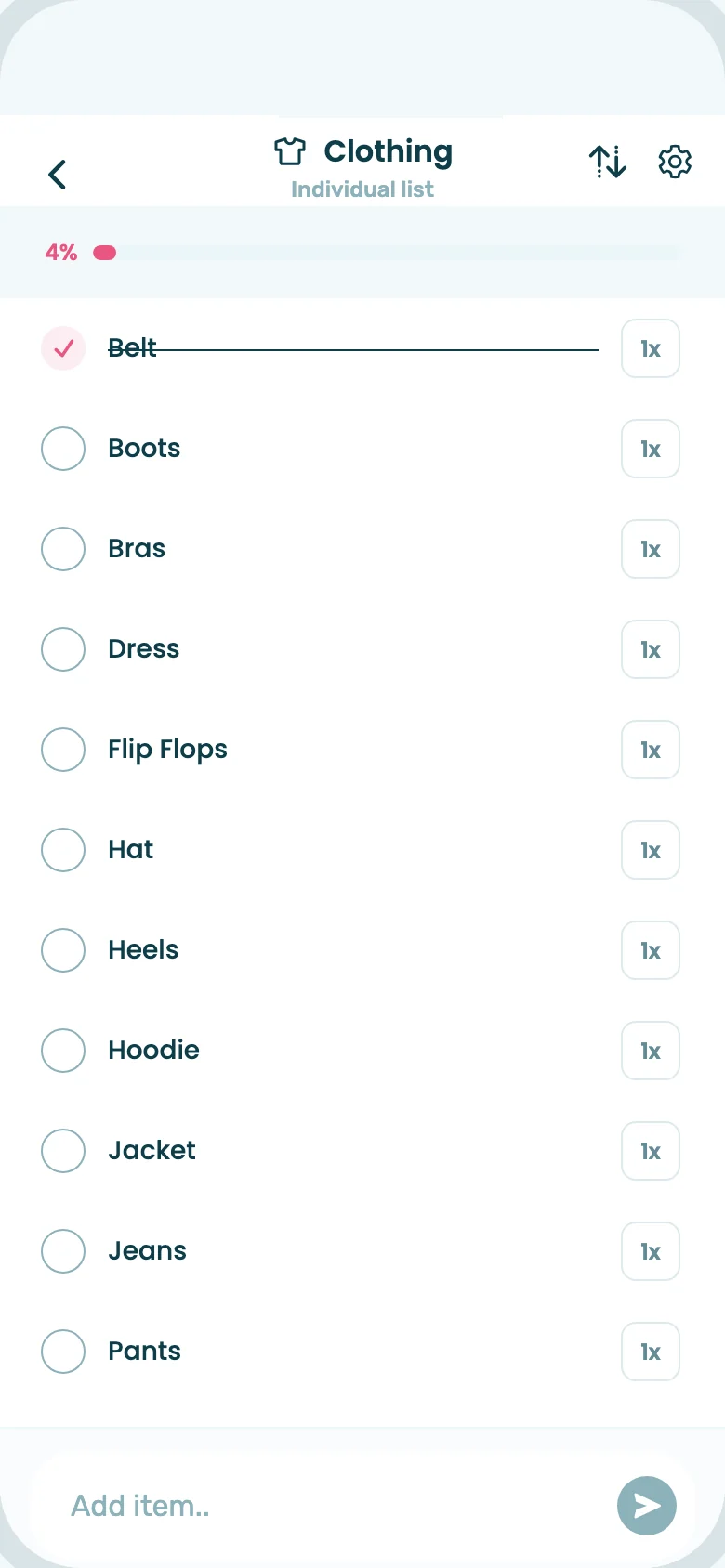
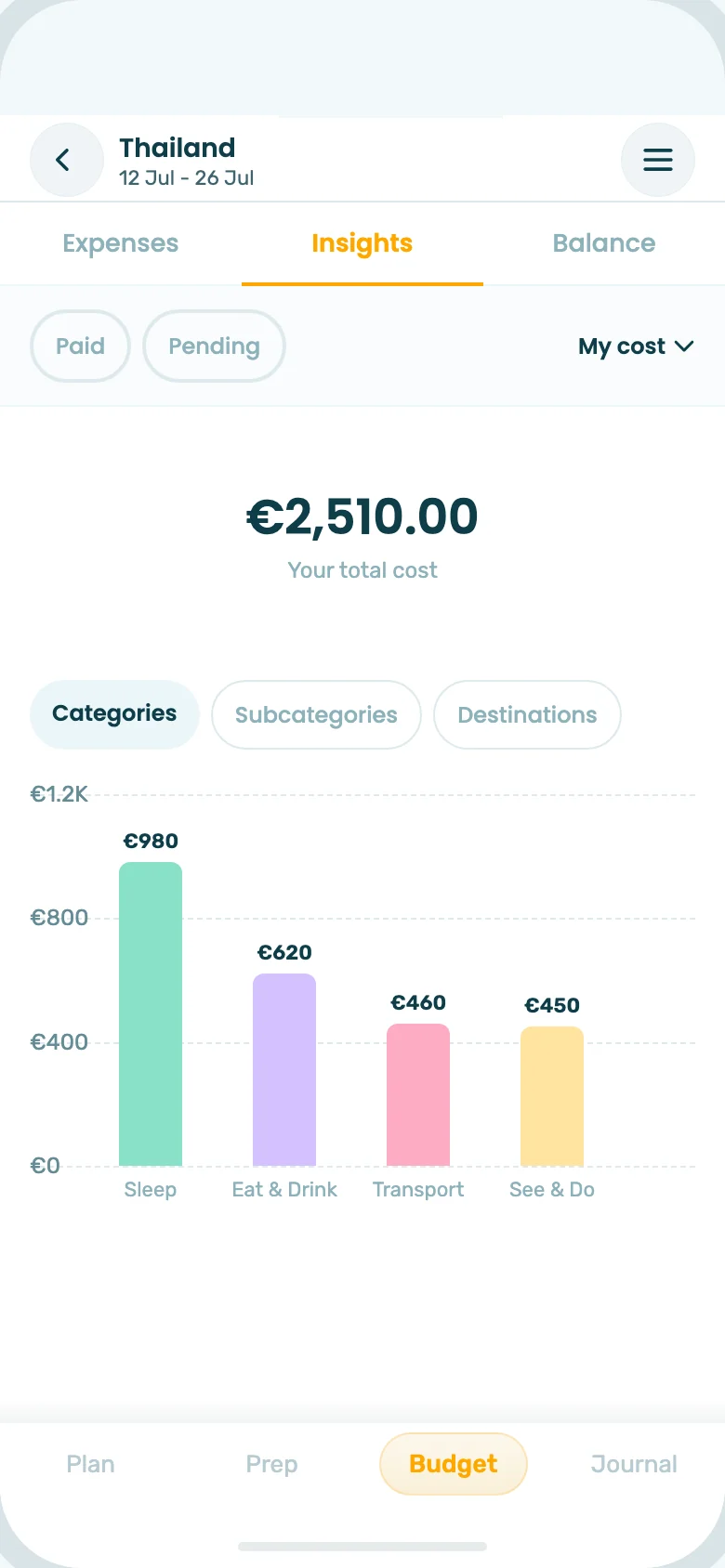
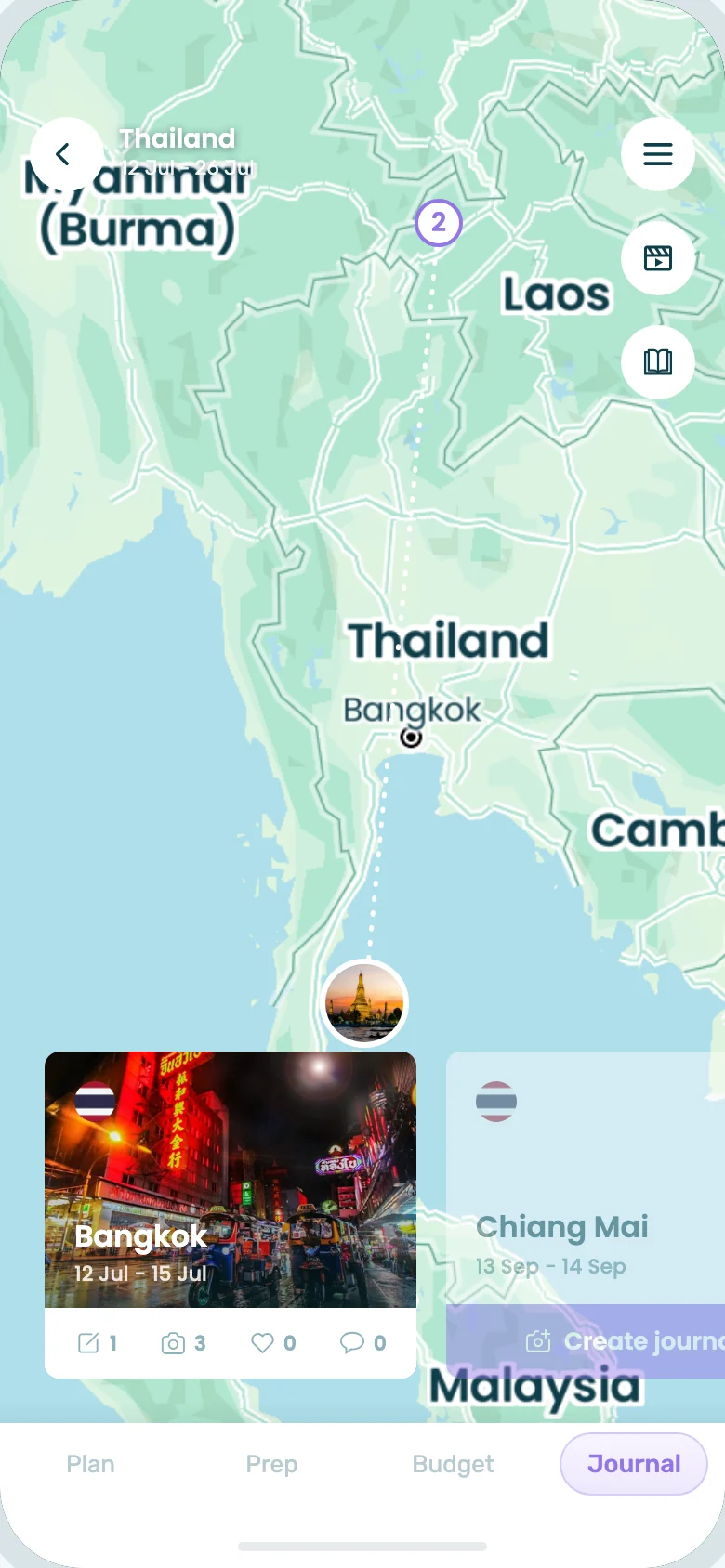
A chat is great for ideas, but the plan stays text. In Stippl the same plan becomes a trip you can change on the go, plan with friends, book stays for, budget, pack for, journal and turn into a photobook.
How do I add Stippl to Claude?
Open Customize, then Connectors in Claude, click + and connect Stippl. Sign in to Stippl or create an account, click Allow, and you're done. You only do this once.
Can Stippl read my Claude conversations?
No. Stippl only receives what Claude sends to save or change your trip: the trip name, start date, destinations, and the places, times and notes for each day. We never see your conversation.
What can I change from Claude?
You can save new trips, list your Stippl trips, add places to a day, replace a day (after you confirm) and turn a day into a day trip. Everything else, like stays, budget and packing, you do in the Stippl app or on stippl.io.
Can Claude book hotels through Stippl?
No. Claude can't book or pay for anything. Once your trip is in Stippl, you can compare and book a stay for every stop, with your dates already filled in.
How long does the connection last?
You connect once. The connection ends if you disconnect, change your Stippl password, delete your account, don't use it for 90 days, or after 365 days at most. You can reconnect at any time.